Free · No signup · No watermark

The free photo editor that removes backgrounds in one tap

Cut out photos, add text and stickers, apply pro filters and make collages. MegaPixa works in your browser and on iPhone and iPad, with real layers like a desktop editor.

Start editing freeiPhone & iPad app coming soon
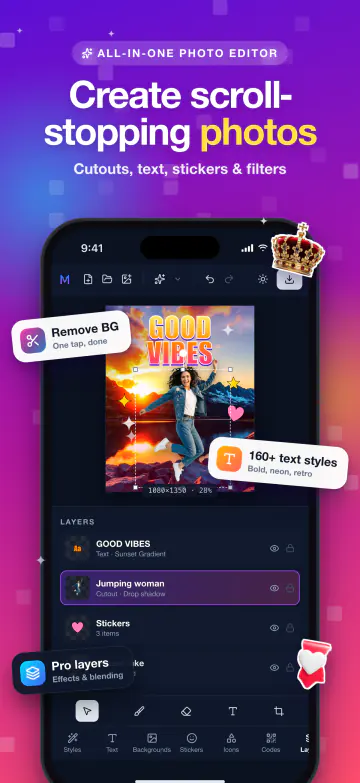
MegaPixa photo editor on iPhone: edit, cut out and create with background removal, 160+ text styles and 5,000+ stickers
  • 5,000+
    stickers & emoji
  • 160+
    text styles
  • 90+
    fonts
  • 4K
    HD export

A full photo editor, not just a filter app

Layers, selections, adjustment layers and a real toolbar, in a clean interface that fits a phone, a tablet or a big desktop screen.

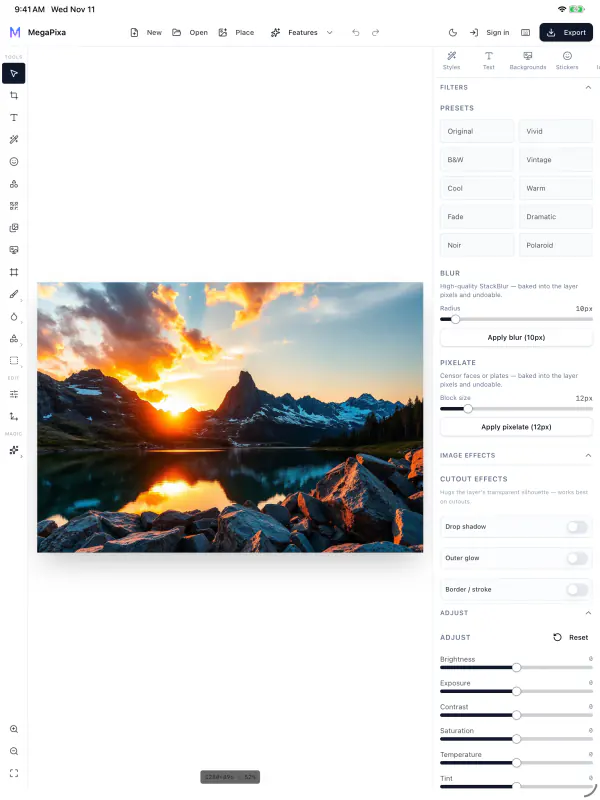
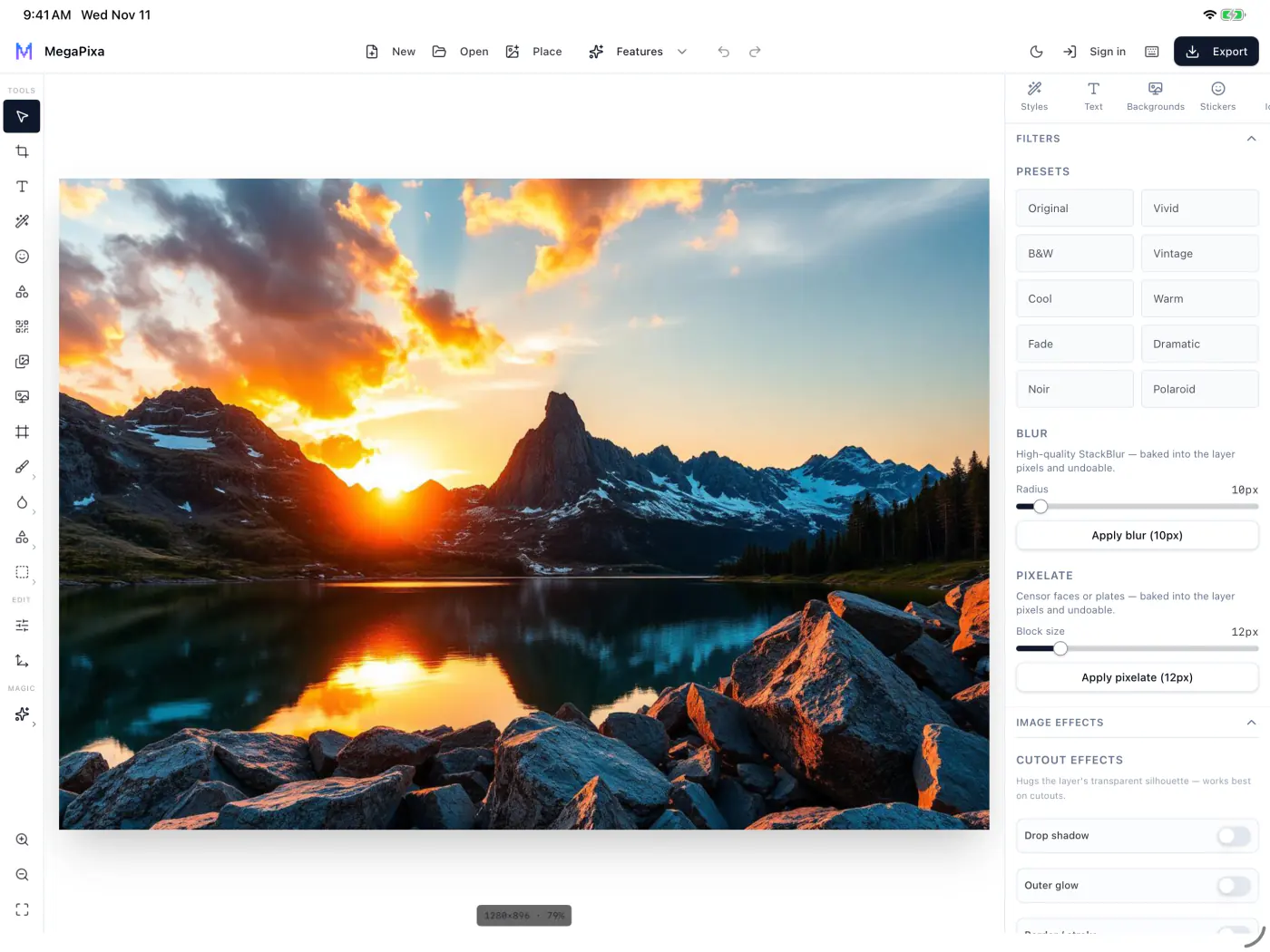
MegaPixa photo editor on iPad in landscape with a mountain sunset photo and the filters panel open
MegaPixa on iPad in landscape, with filters, blur and pixelate tools.

AI background remover

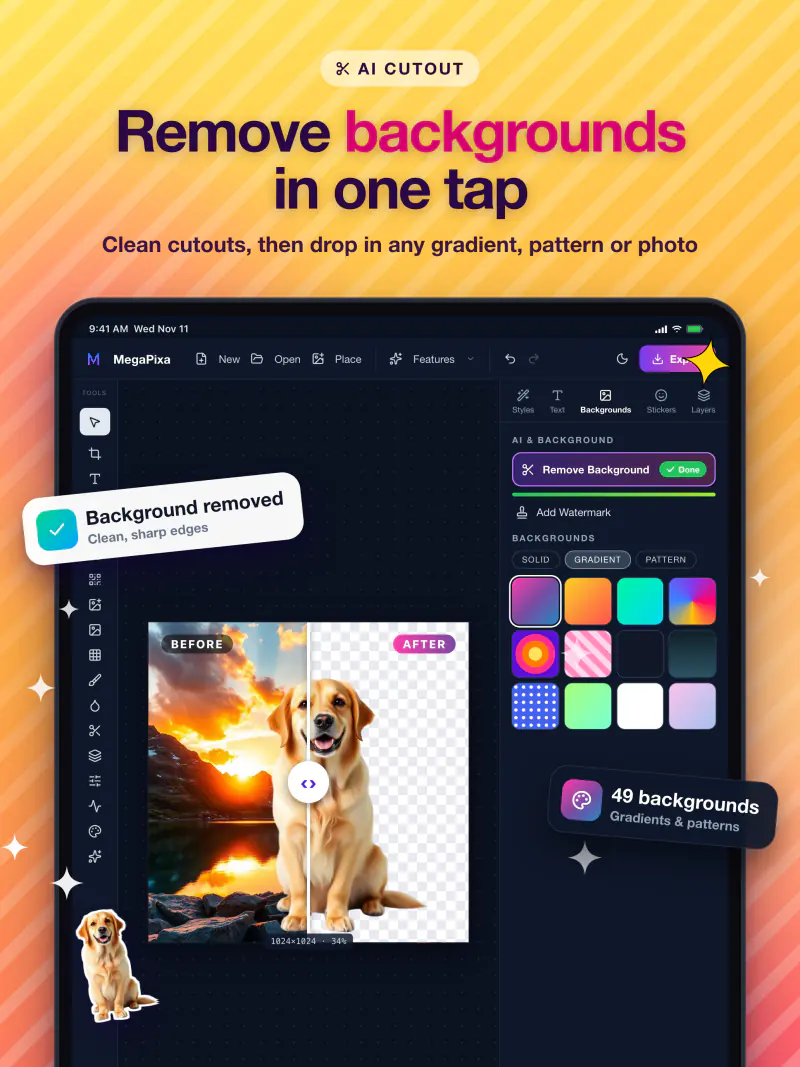
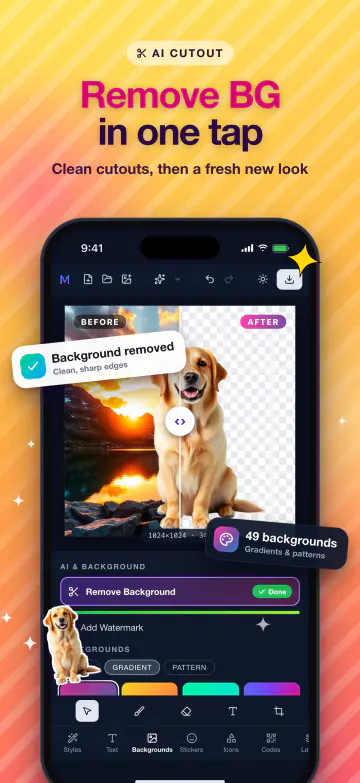
Remove the background from any photo in one tap

Cut out people, products and pets automatically. The AI model runs on your device, so your photo is never uploaded. Drop the subject on a gradient, pattern, solid color or one of 49 built-in backgrounds.

  • Clean, sharp edges on hair and fur
  • Transparent PNG export
  • Works offline after the first use
Try it free
MegaPixa on iPad removing the background from a photo of a golden retriever, with before and after views

Add text to photos

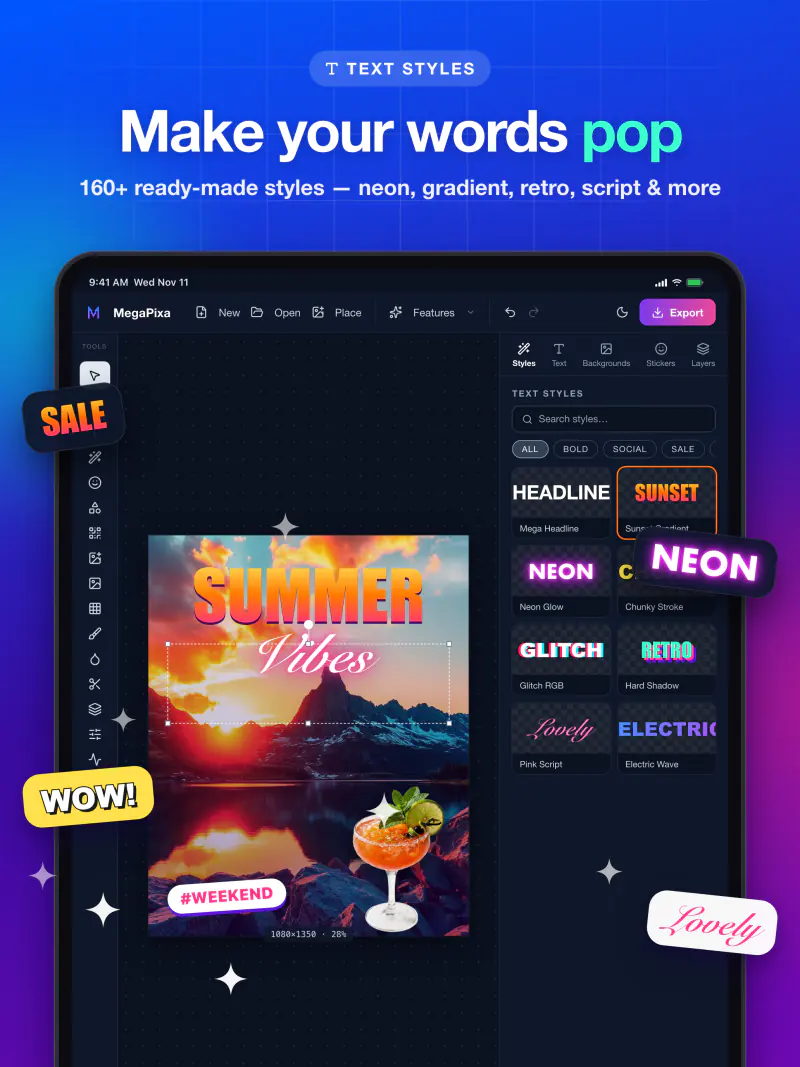
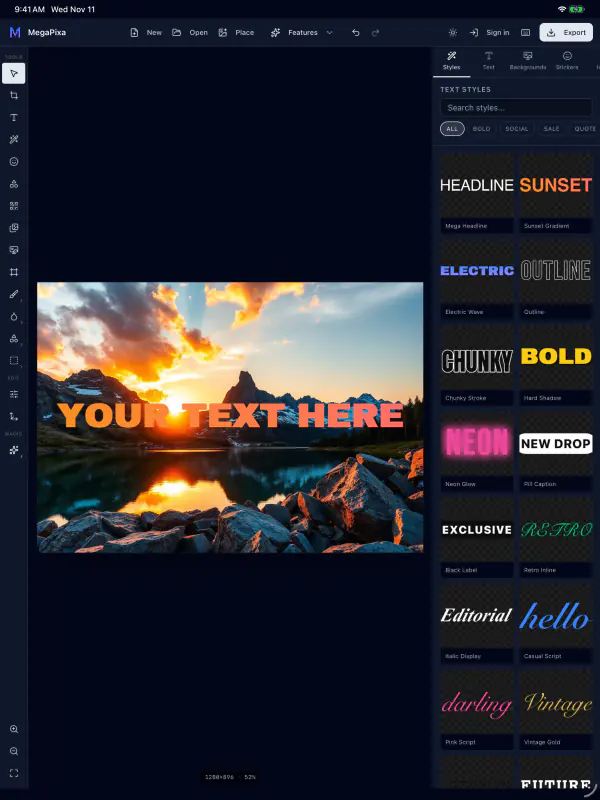
160+ text styles that make your words pop

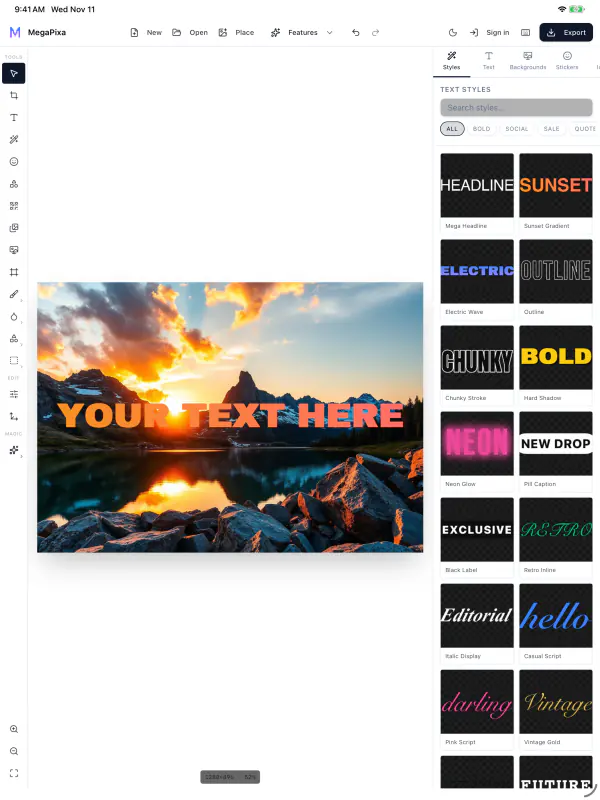
Neon, gradient, glitch, retro, script and outline styles, ready to drop on any picture. Pick from 90+ fonts and fine-tune shadows, glows and strokes for titles, captions, quotes and memes.

  • 90+ Google Fonts
  • Shadow, glow, outline and gradient
  • Edit text any time, it stays a layer
Try it free
MegaPixa text styles panel on iPad with neon, glitch and retro headline presets over a mountain sunset

Stickers, emoji & cutouts

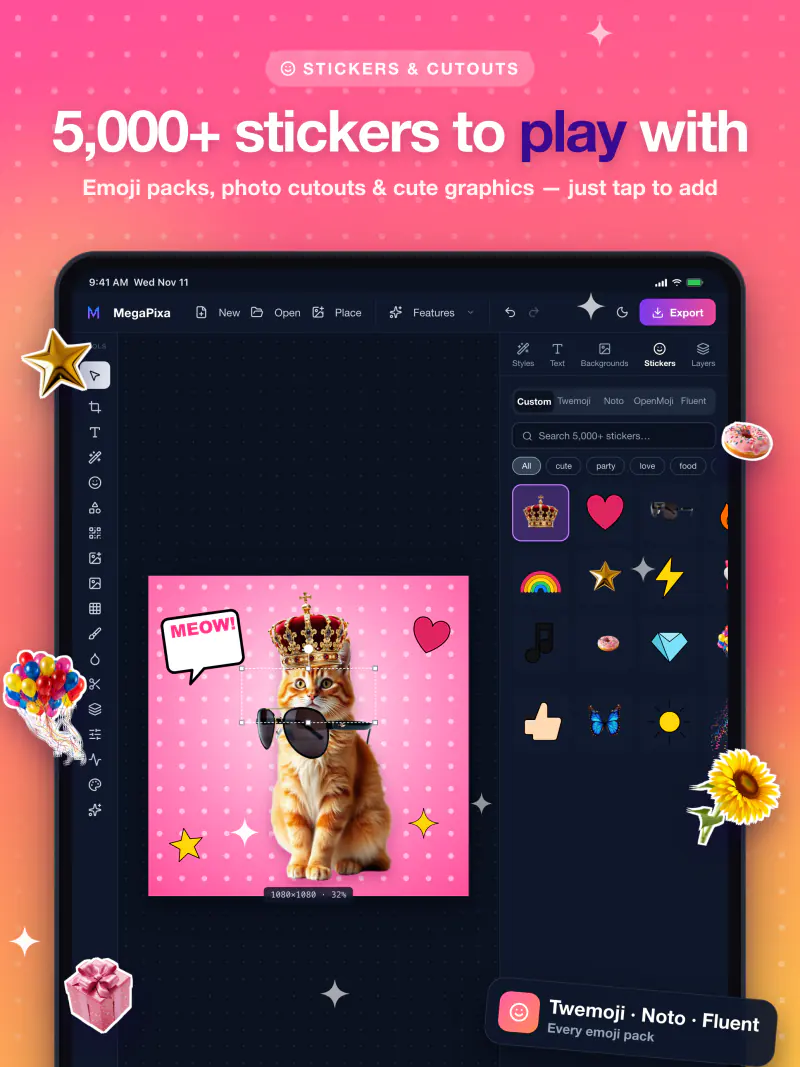
5,000+ stickers, emoji and photo cutouts

Decorate any picture with emoji packs, cute graphics, icons and ready-made photo cutouts. Search the library, tap to add, then move, scale and rotate each sticker on its own layer.

  • Twemoji, Noto and Fluent emoji
  • Icon library and shapes
  • Crowns, hearts, speech bubbles and more
Try it free
MegaPixa sticker library on iPad decorating a cat photo with a crown, sunglasses and a speech bubble

Filters & adjustments

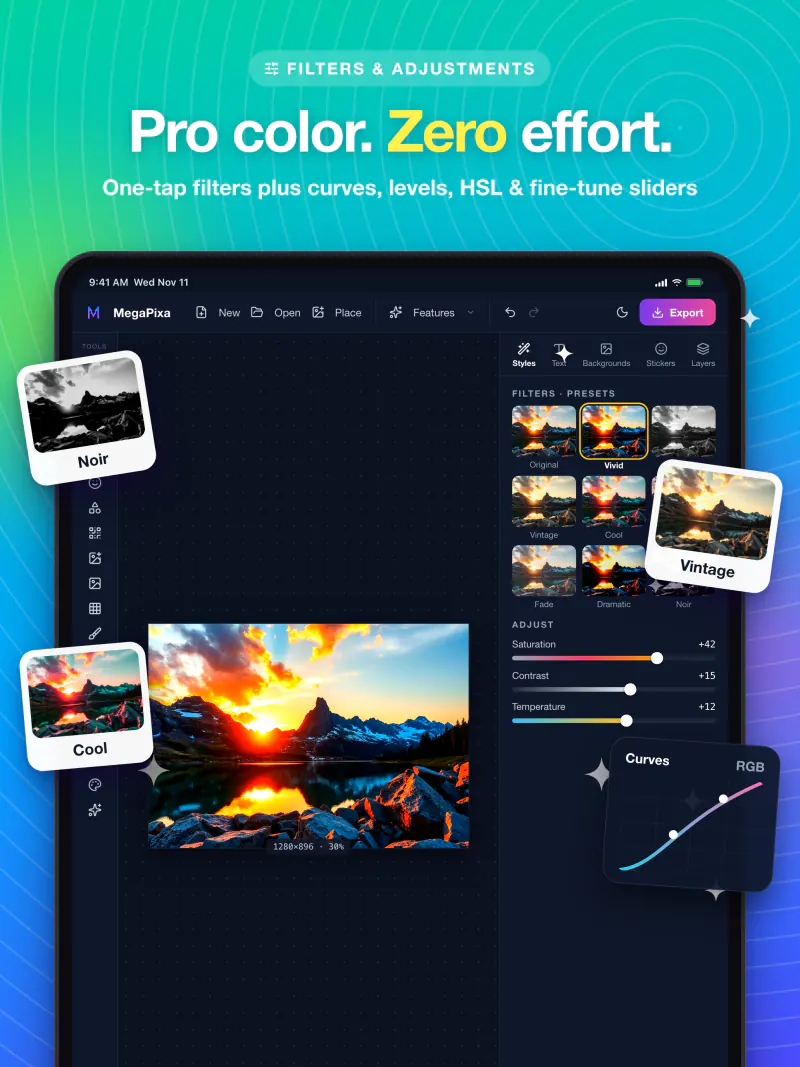
Pro color with zero effort

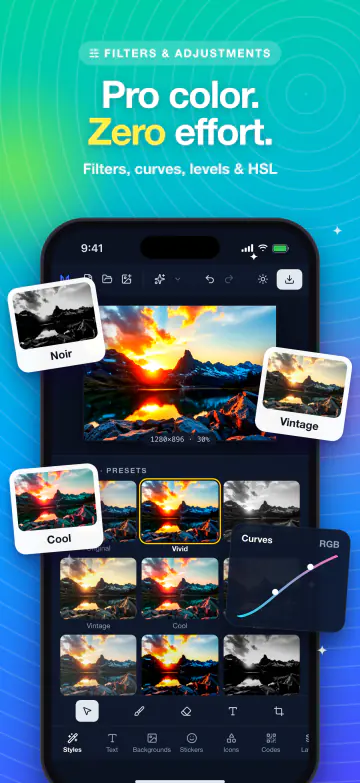
Start with one-tap filters like Vivid, Noir, Vintage and Cool, then go further with curves, levels, HSL and fine-tune sliders for brightness, contrast, saturation and temperature.

  • Curves and levels
  • HSL color mixer
  • Blur and pixelate to censor details
Try it free
MegaPixa filters and curves panel on iPad grading a landscape photo with Noir, Vintage and Cool presets

Collage maker

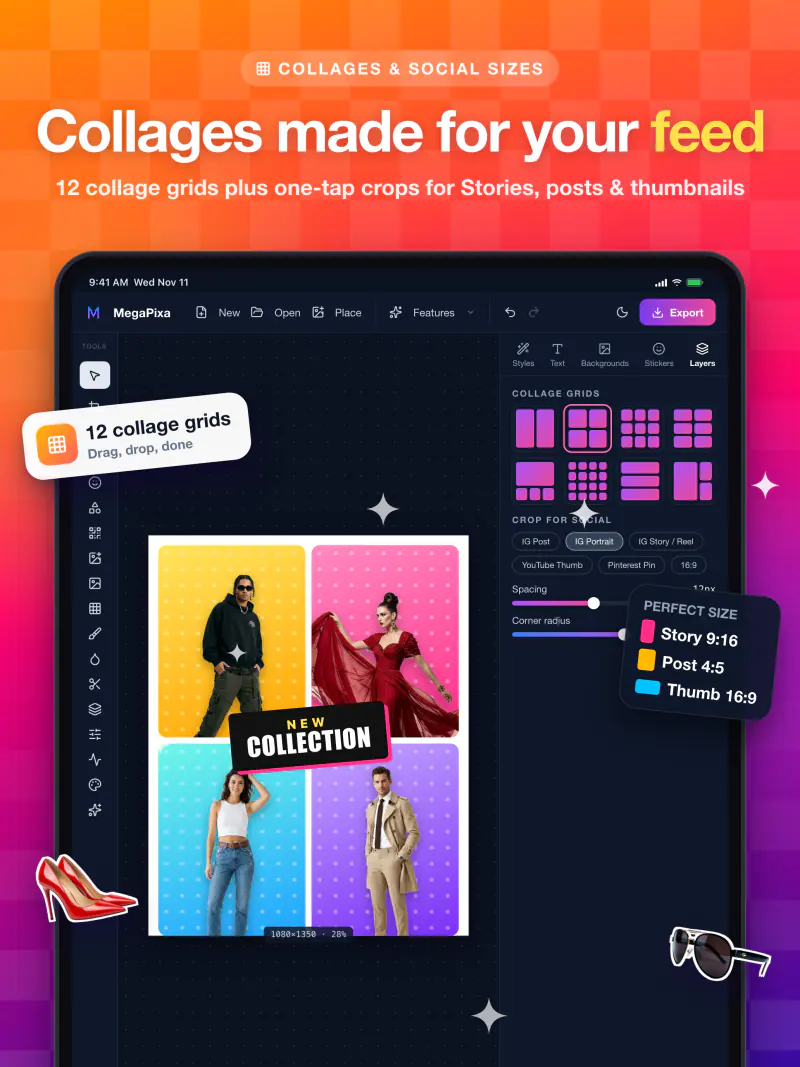
Collages and sizes made for your feed

Choose from 12 collage grids, drag your photos in, and crop to Instagram Story 9:16, post 4:5 or YouTube thumbnail 16:9 in one tap. Add frames, borders and Polaroid styles to finish the look.

  • 12 collage layouts
  • One-tap social media sizes
  • Frames and borders
Try it free
MegaPixa collage maker on iPad with a four-photo fashion grid and social media crop presets

Layers like a desktop editor

Real layers, selections and blending

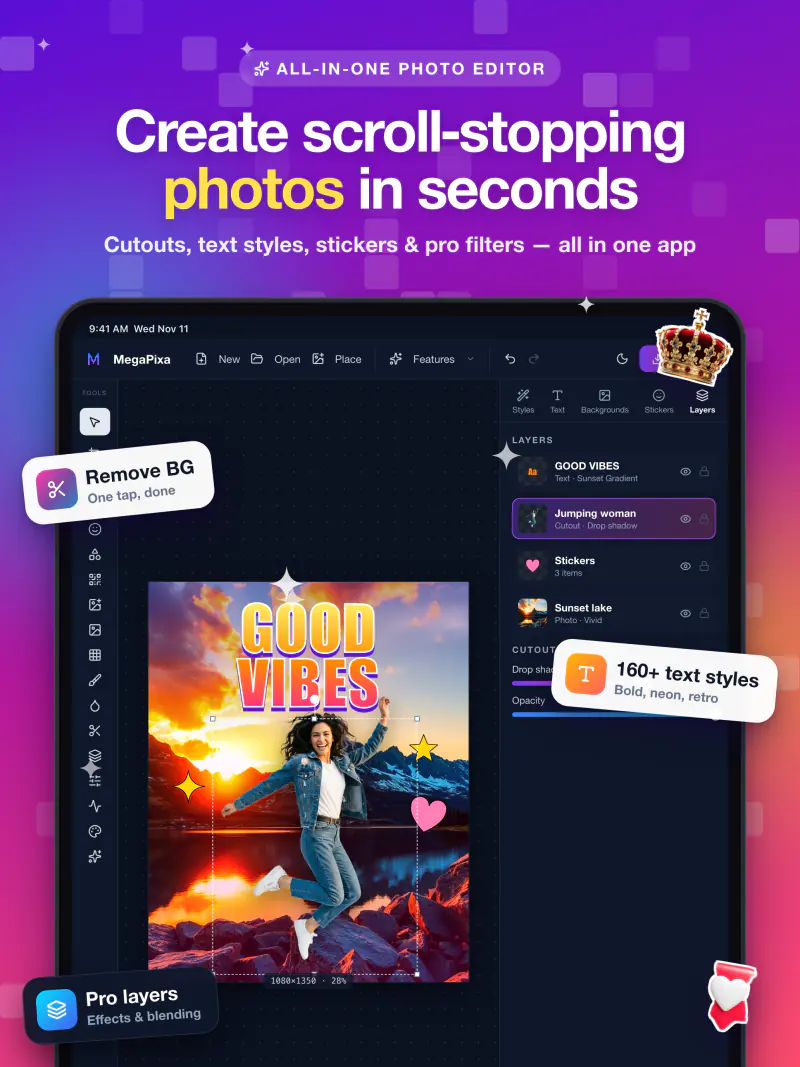
Every photo, text, sticker and shape is its own layer. Reorder, hide, lock, change opacity and blend modes, and use the marquee, lasso and magic wand to select exactly what you want to edit.

  • Layers with blend modes
  • Lasso, polygon and magic wand selections
  • Brush, eraser and eyedropper
Try it free
MegaPixa layers panel on iPad with a jumping woman cutout, Good Vibes text and stickers stacked as layers

Export anywhere

Save in HD and share anywhere

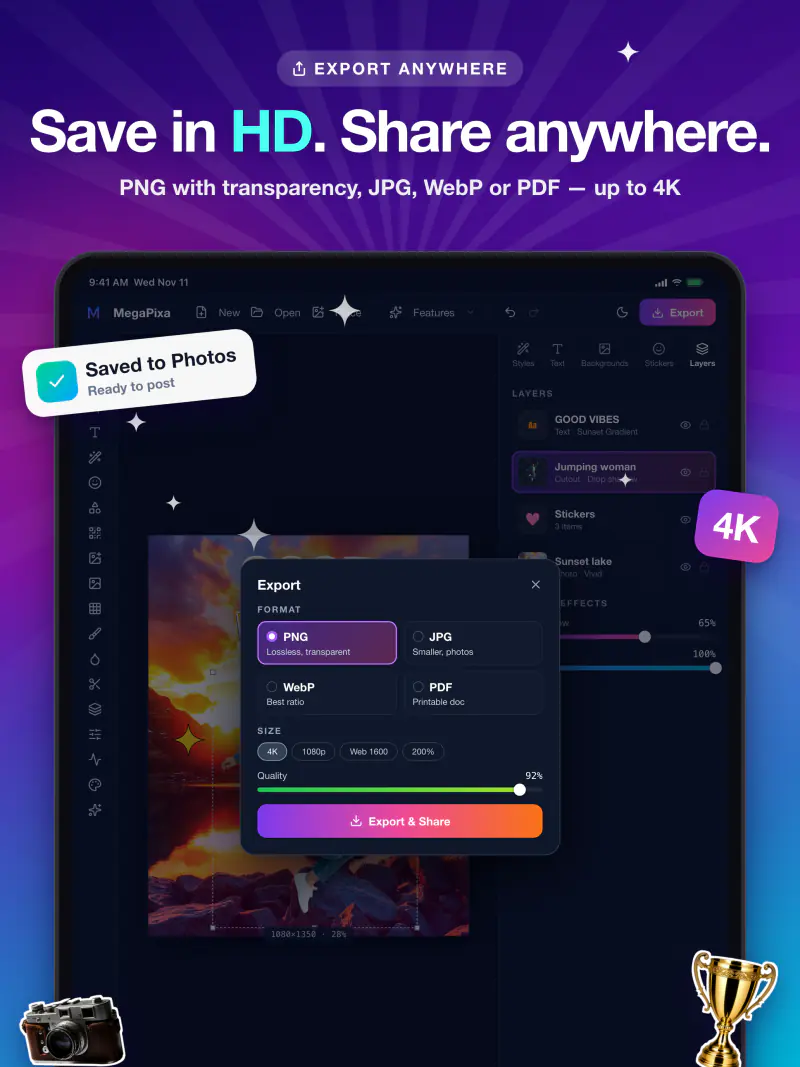
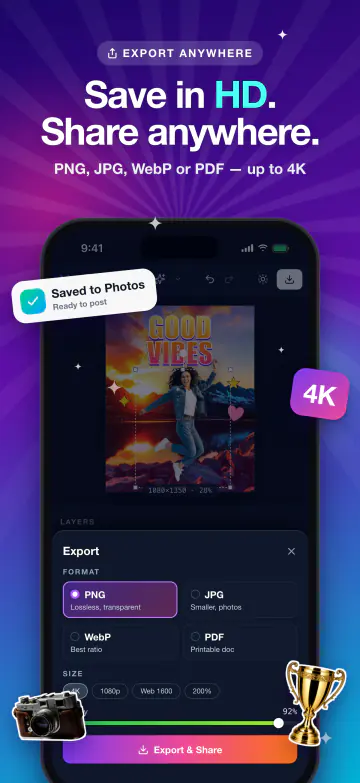
Export PNG with transparency, JPG, WebP or PDF at up to 4K. Save straight to Photos and Files on iPhone and iPad, or download in your browser. No watermark, ever.

  • PNG, JPG, WebP and PDF
  • Up to 4K resolution
  • No watermark
Try it free
MegaPixa export dialog on iPad with PNG, JPG, WebP and PDF formats and a 4K size option

Made for iPhone and iPad

Edit photos on the go with a touch-first layout, then switch to iPad for a bigger canvas in portrait or landscape, light or dark mode.

  • MegaPixa photo editor on iPhone with layers and text
  • Removing a photo background on iPhone with MegaPixa
  • Adding text styles to a photo on iPhone
  • Adding stickers to a photo on iPhone
  • Photo filters and curves on iPhone
  • Making a photo collage on iPhone
  • Exporting an edited photo on iPhone
MegaPixa on iPad in portrait with the filters panel and a sunset photo
Portrait
MegaPixa on iPad adding a headline text style to a landscape photo
Text styles
MegaPixa on iPad in dark mode with the text styles library
Dark mode
iPhone & iPad app coming soon

Edit a photo in three steps

  1. 1

    Open a photo

    Drop in an image from your device or start with a blank canvas. No account needed.

  2. 2

    Make it yours

    Remove the background, add text, stickers and filters, or build a collage.

  3. 3

    Save and share

    Export PNG, JPG, WebP or PDF up to 4K, with no watermark.

Every tool you need, all free

From quick fixes to full designs, MegaPixa packs the tools of a desktop image editor into one free app.

  • AI background remover
  • Layers & blend modes
  • Masks & adjustment layers
  • Curves, levels & HSL
  • Photo filters
  • Blur & pixelate (censor)
  • Add text to photos
  • 160+ text styles
  • 90+ fonts
  • 5,000+ stickers & emoji
  • Icon library
  • Photo cutouts
  • Collage maker
  • Frames & borders
  • Backgrounds & gradients
  • Brush, eraser & eyedropper
  • Shapes & arrows
  • Lasso & magic wand
  • Crop & resize
  • Rotate & flip
  • Watermark
  • QR codes & barcodes
  • Social media sizes
  • PNG, JPG, WebP & PDF export

Private by design

Photos are edited on your device. Even the AI background remover runs locally.

No signup

Open the editor and start. No account, no email, no trial.

No watermark

Your exports are yours, clean and full resolution.

Frequently asked questions

Is MegaPixa really free?

Yes. MegaPixa is a free photo editor with no signup, no watermark and no limit on exports.

Do I need to download anything?

No. MegaPixa runs in any modern browser on Windows, Mac, Chromebook, Android, iPhone and iPad. A native app for iPhone and iPad is also on the way.

Are my photos uploaded to a server?

No. Editing, including AI background removal, happens on your device. Your photos only leave it when you save or share them.

How do I remove the background from a photo?

Open your photo in MegaPixa and tap Remove Background. The subject is cut out automatically, and you can export it as a transparent PNG or place it on a new background.

Can I add text and stickers to my photos?

Yes. Pick from 160+ ready-made text styles and 90+ fonts, plus more than 5,000 stickers, emoji, icons and photo cutouts.

Which file formats can I export?

PNG (with transparency), JPG, WebP and PDF, at sizes up to 4K.

Ready to make something great?

Open MegaPixa and start editing in seconds. Free, private and no signup.